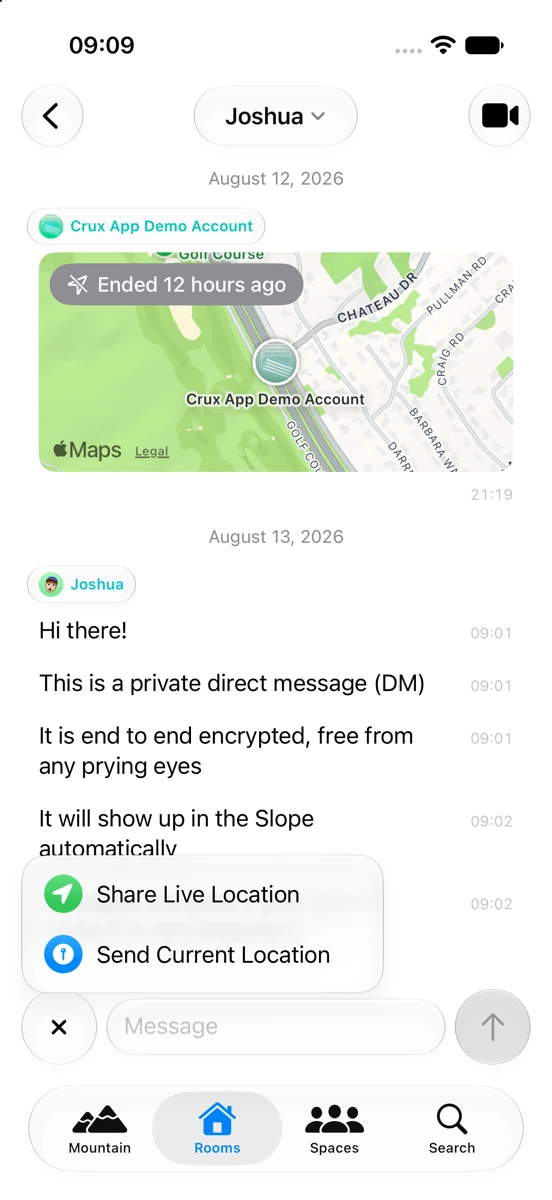
Calls, without leaving the room
Tap the video icon in any conversation for encrypted voice or video — no separate app, no phone number.
Built on MatrixRTC.
Crux is a messaging app built on Matrix — an open network for chat, the way email is an open network for mail. It sorts every conversation before you even open the app: the ones that actually need you rise to the Peak; everything else settles quietly on the Slope. No wall of chats to dig through after a long day.
 Open source · in beta testing Scan to try Crux Apple's beta testing app — or tap here → See how it ranks
 Once you're in and you've made an account on a server: open Search and
type #cruxroom:joshuarocks.me to say hi in the sample room.
Technology is supposed to save you time. Somehow, every messenger you own still works the exact same way — and that way slows you down. Each one applies a single sort key: recency. It's the easiest sort to write — and the worst one to live in after a long day. The message that actually mattered doesn't stay at the top. Newer, more trivial things just pile on top of it, and you're the one who has to scroll to find it.
That costs you time.
Every conversation, treated as equally urgent — until you look.
The Mountain sorts your messages — or see all of them, unsorted, in Rooms and Spaces. Swipe a card to mark it read and it clears off the Mountain; nothing's ever hidden, every conversation still lives on in Rooms.
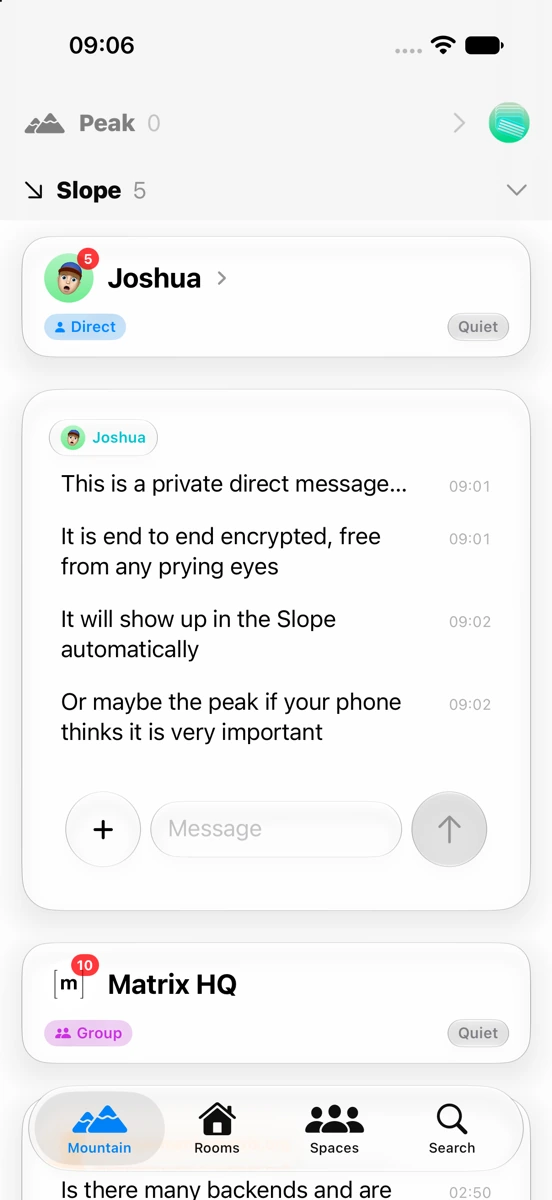
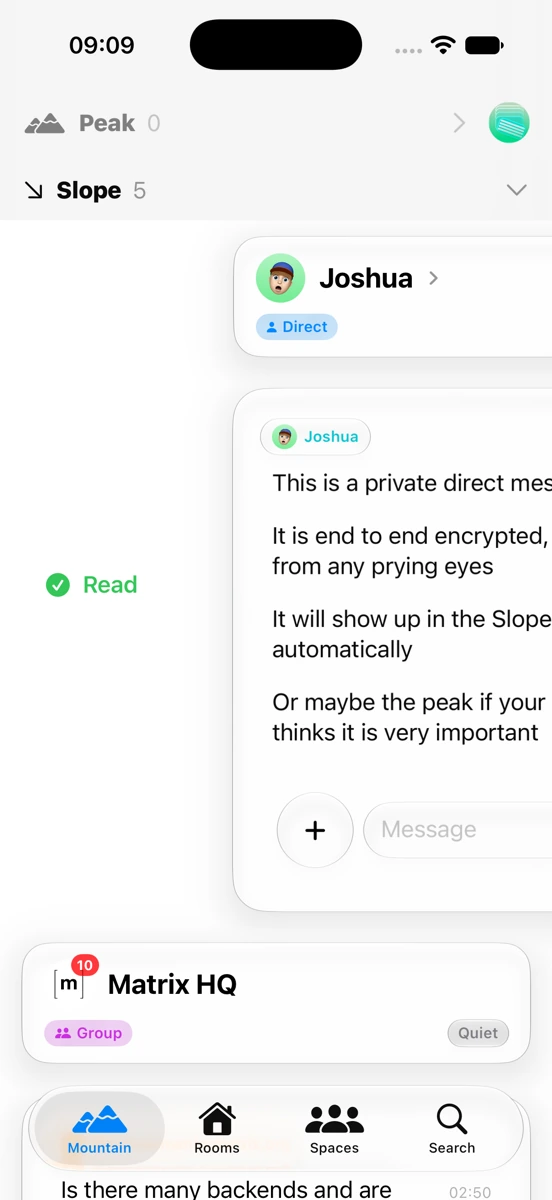
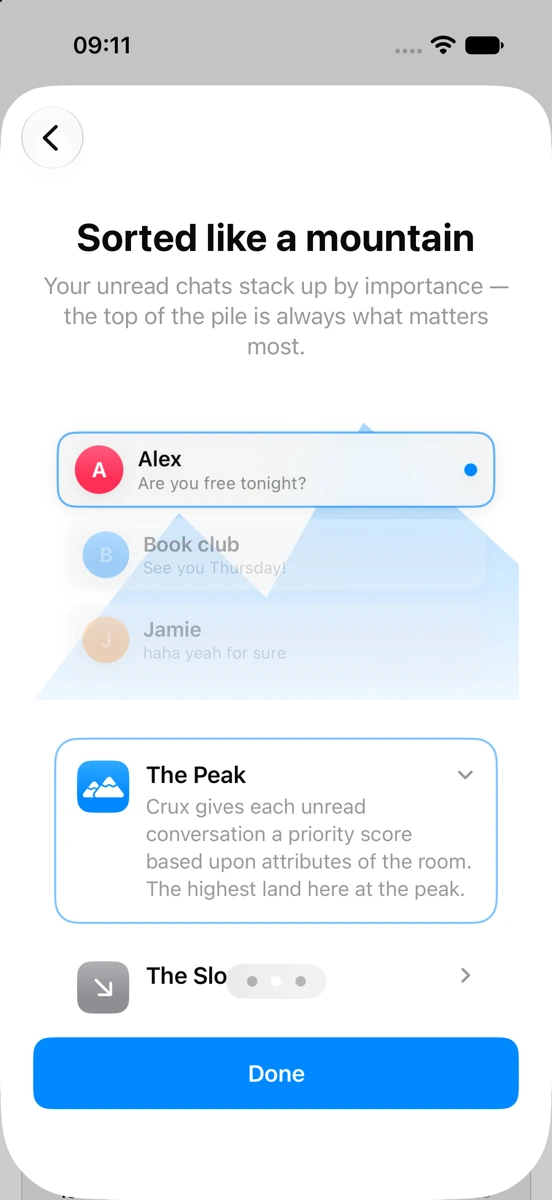
The Mountain: Peak above, Slope below.
Crux scores every conversation from a handful of honest signals — plus, if you want it, a small on-device AI model that reads how urgent your unread messages sound. Nothing about your messages ever leaves your phone to do this.
Or maybe a few more?
The Mountain is the headline — it isn't the whole app. Crux still does everything you'd expect from a chat app, and then some.
Tap the video icon in any conversation for encrypted voice or video — no separate app, no phone number.
Built on MatrixRTC.
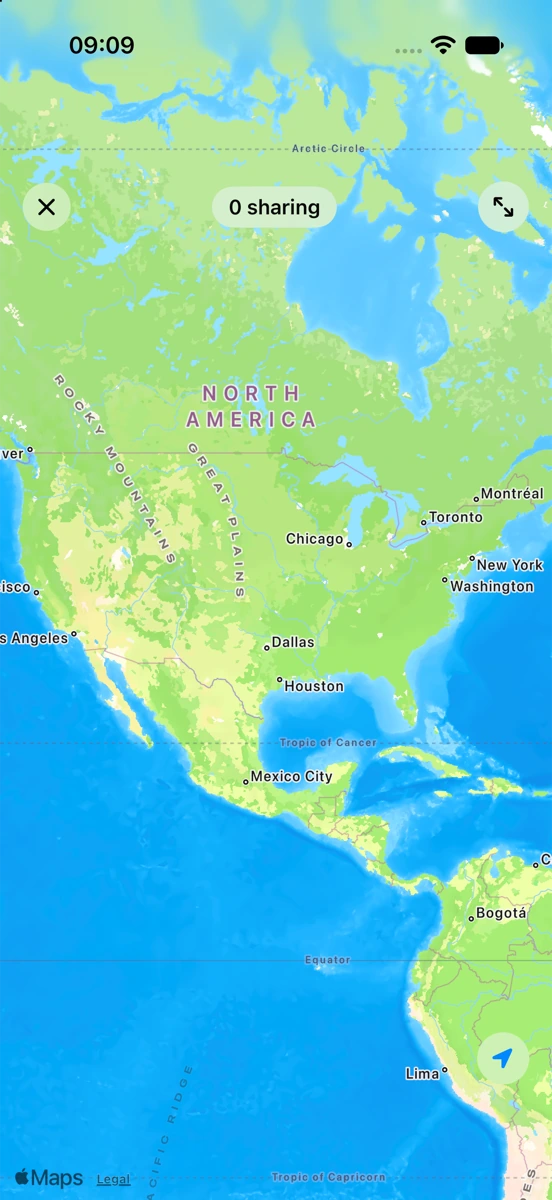
Send a one-time pin or share your location live for a while — it updates on its own and stops when you're done.
Position updates are just encrypted messages — nothing leaves Matrix.
A quick 👍 or ❤️ on any message — the small stuff that keeps a conversation moving.
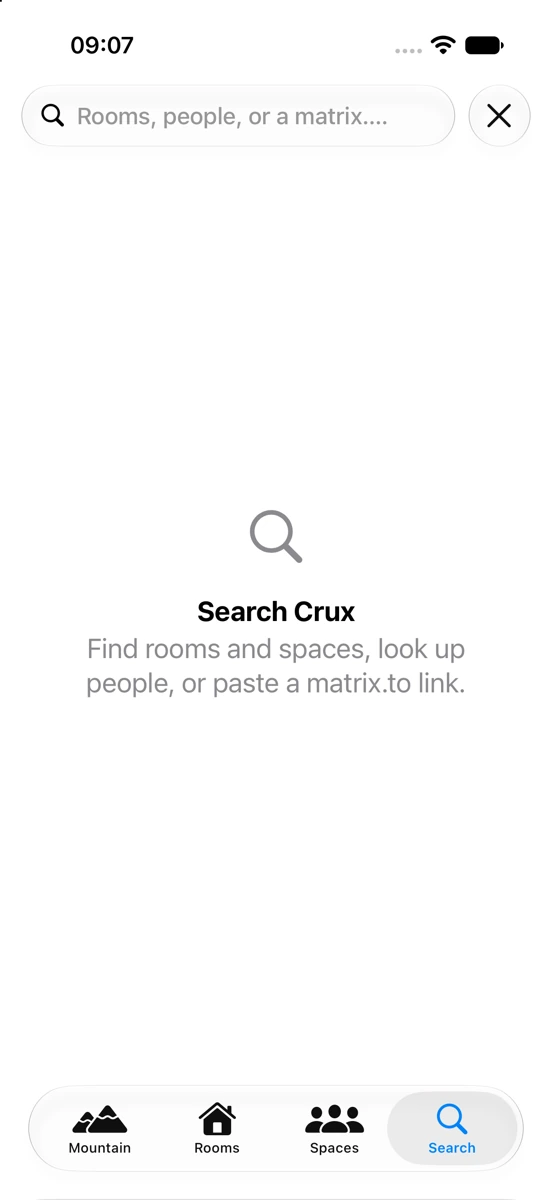
Rooms, people, spaces — one search bar covers all of it.
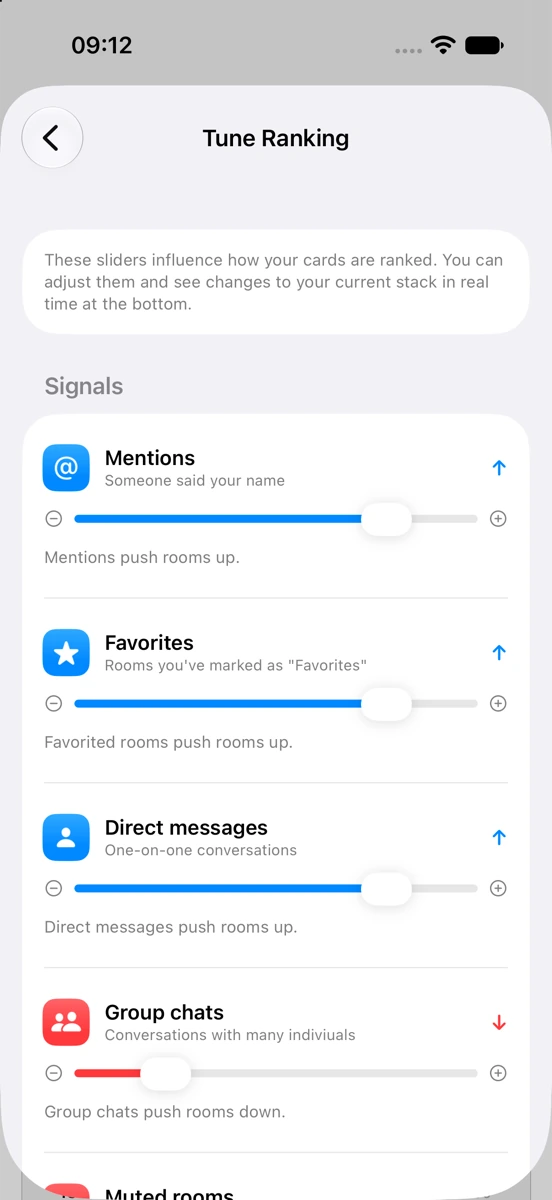
Turn any signal up or down — mentions, favorites, direct messages, group chats, muted rooms — and watch your own Mountain re-sort.
Settings → Tune Ranking.
Underneath, Crux speaks Matrix — an open, federated protocol. A server is just an address, like an email domain. So you can sign up anywhere, and the person you're talking to doesn't need Crux at all: any Matrix app works, on any server. Some servers even bridge outside networks in. And all of it is end-to-end encrypted.
Getting an account costs nothing: sign up right inside Crux on matrix.org to start, no separate site required. Prefer somewhere else? Any Matrix server works — your school, your company, a community you're already part of — or you can run your own.
Bridges are community-run and server-dependent — not every server offers one.
We keep a room open just for people trying Crux out. It's still a real room on a real server, so you'll need an account first — that takes a few taps.
#cruxroom:joshuarocks.meA room is just Matrix's word for a conversation — a group chat like any other, except it isn't tied to one app. Anyone on any Matrix app can join with that address, the same way anyone can email an address without needing your exact mail app.
Search the words inside your messages, not just room and people names.
Keep the noise out of the Mountain.
Send into Crux from anywhere in iOS.
Follow one branch of a busy room without losing the rest.
Show your screen on a call, not just your face.
See when someone's actually writing back.
Know who else is online before you send something time-sensitive.
Ask Siri to check the Mountain or send a reply — including the smarter, on-device Siri coming in iOS 27.
Read any message in your own language, translated right on your phone.
Crux is open source and in beta testing now on TestFlight — Apple's beta testing platform — fully native, built in SwiftUI. Point your camera at the code, or tap through on your phone.
Scan for TestFlight